

AI dubbingAI dubbing that keeps every speaker's voice.
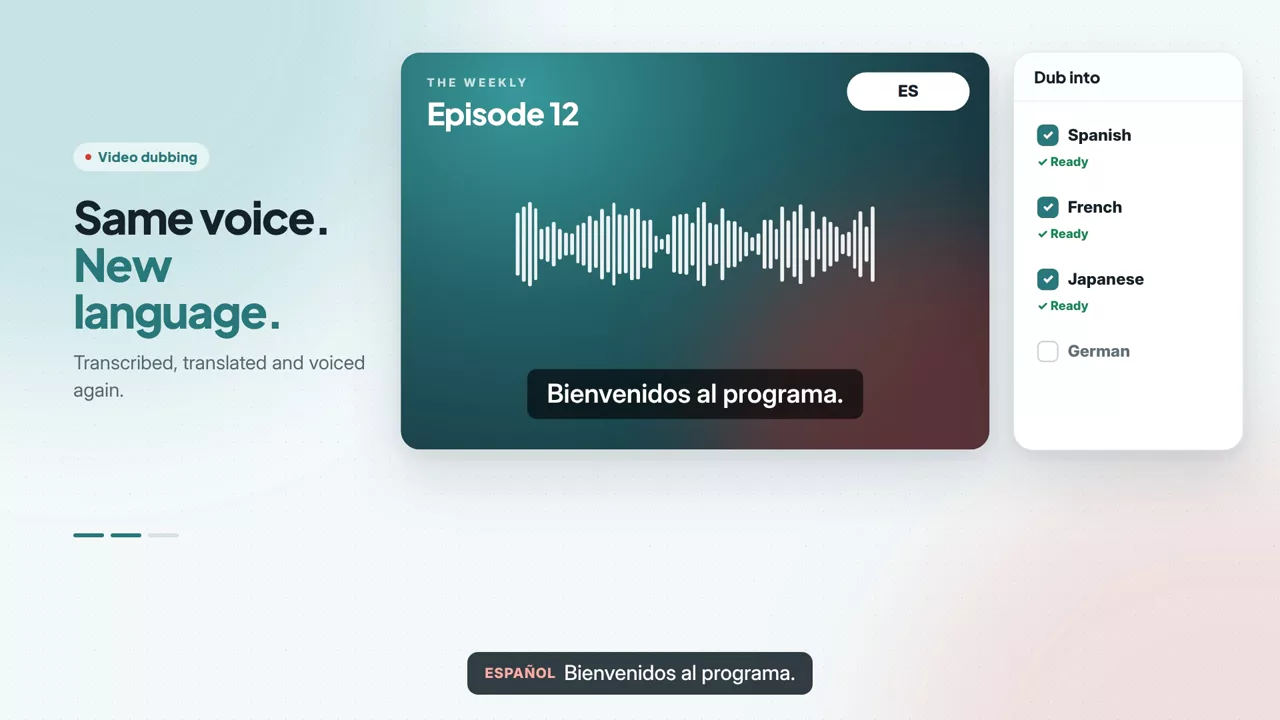
Leelo translates what's said and re-voices it in more than 90 languages, keeping each speaker's own voice and the picture exactly as it was.
Or try it first, no account needed: Free video translator
01How it works
Three steps, start to finish.
- Step 1
Bring the video
Upload a video or audio file, or paste a link straight to one.
- Step 2
Pick the languages
Choose up to three at a time. Each one is dubbed on its own, and you can close the tab: dubs carry on without you.
- Step 3
Check and ship
Download the dubbed video or its audio, or open the translation in the Studio to change a word or a voice.
02Made for
Where people use it.
- YouTube & videoVoiceovers paced to your cut“Three years ago, this valley was underwater.”A 10-minute voiceover ≈ 1,500 credits
- E-learning & trainingLessons people finish“In this lesson, we'll look at how compound interest works.”A 10-module course ≈ 7,500 credits
- Ads & marketingEvery version of the spot, today“Your mornings just got faster.”Ten versions of a 30-second ad ≈ 750 credits
- Faceless channelsOne voice for a channel with no face“So my sister-in-law decided my wedding was the perfect place to announce her engagement.”A 10-minute faceless video ≈ 1,500 credits
- Translate YouTube videosYour channel in more languages“Same video. Same voice. Their language.”A 10-minute video into one language ≈ 50,000 credits
- Make money with AI voicesSix services you can sell“Fresh bread every morning at seven.”Ten 5-minute client voiceovers ≈ 7,500 credits
03Details
Dubbing you can still edit.
- Languages
- More than 90, from Spanish and Hindi to Japanese, Arabic and Swahili.
- Voices
- Each speaker keeps a voice like their own in every language.
- Edit
- Open any dub in the Studio to fix a line, a name or a voice.
- Files
- Up to 100 MB a video. The dub keeps the original picture.
- Cost
- Paid in the same credits as everything else, with the cost shown before you start. Failed dubs are refunded.
- ENEnglish · originalWelcome to the show.
- ESSpanishBienvenidos al programa.
- FRFrenchBienvenue dans l'émission.
- JAJapanese番組へようこそ。
By language
Translate video into another language.
04Questions
Before you start.
Dubbing used to mean translators, voice actors and a studio for every language. AI dubbing does the translation and the voice in one pass, keeping each speaker's voice. Here's how it works and how to get the best result.
How AI dubbing works
Leelo transcribes what's said in your video, separates the speakers, translates each line and re-voices it in the new language using a voice made from the original speaker's. The picture stays exactly as it was; the new audio is laid over it.
Preparing your video
The cleaner the original audio, the better the dub. Speech that's clear of loud music and background noise separates more accurately. Upload files up to 100 MB, or paste a direct link to a video or audio file.
- Clear speech, one person at a time where possible.
- Music and effects lower than the voice.
- Names and brand terms said clearly in the original.
Choosing languages
Leelo dubs into more than 90 languages. Start with the markets where your analytics show viewers already watching in English. Each language is its own dub, and up to three can run at once. You can close the tab and they carry on.
Checking and editing
Open any dub in the Studio and every translated line is there to read, edit and regenerate on its own: a product name translated when it shouldn't be, or a phrase that's too formal. It's worth having a native speaker watch the first video in each language.
Costs
Dubbing is paid in the same credits as everything else, charged by the second for each language, and the app shows the cost before you start. Each month, Starter covers about 16 minutes of dubbing and Creator about 40. If a dub fails, its credits come back automatically.
Write it. Voice it. Ship it.
1,000 free credits to try everything. No card needed, and nothing to install.
Start free: 1,000 creditsNo subscription? Pay once, from $9